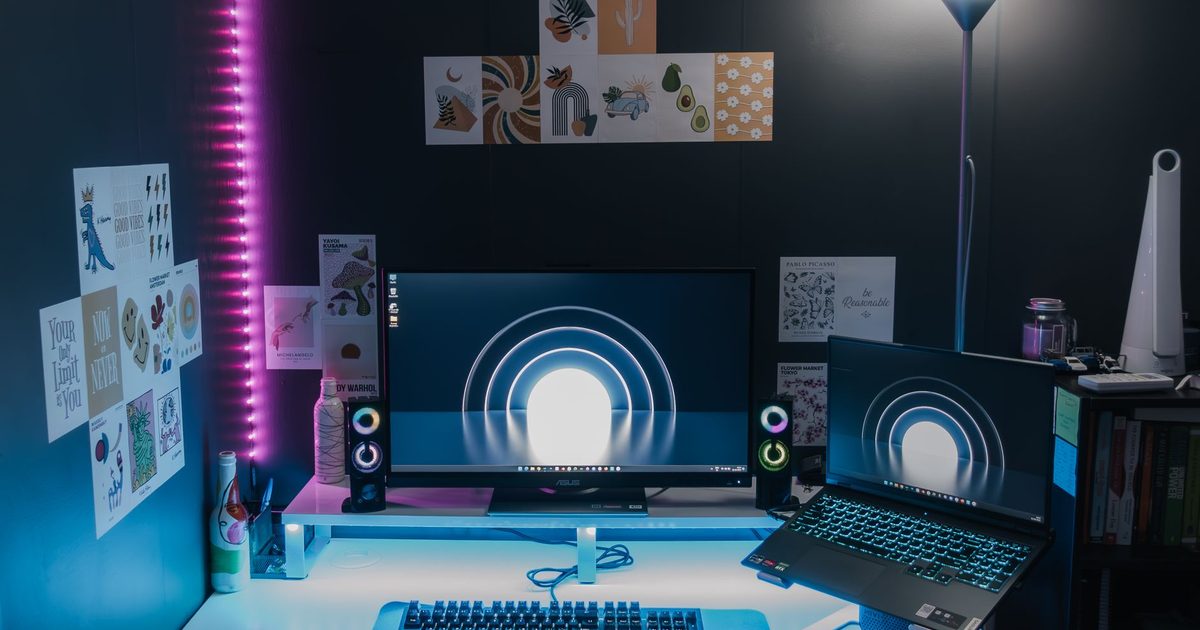
Running two external displays from a single USB-C port is one of the most useful upgrades for a laptop desk setup, but not every hub can actually drive two screens at once. This guide covers the best USB-C hubs and docking stations for a dual-monitor workspace in the UK, and helps you pick the right one for your laptop and the way you work. The short answer for most desks is the UGREEN Revodok Pro 210 and its dual 4K@60Hz HDMI; the detail is below. If a full desk dock appeals more, our best USB-C docking stations guide covers triple-display options too.
Top picks
1. UGREEN Revodok Pro 210 USB C Docking Station (10-in-1) - Best Overall
SPP Score: 9.0 / 10 - Dual 4K@60Hz HDMI, 10-in-1 connectivity, wired Ethernet. Our all-round pick.
Capability 10/10 - Versatility 10/10 - Build 7/10 - Value 8/10
The Revodok Pro 210 answers the dual-monitor question outright: two HDMI outputs, both rated for 4K@60Hz, so neither screen has to drop to a juddery 30Hz. Around the displays you get Gigabit Ethernet, 100W Power Delivery passthrough and the rest of its ten connections, which is why one cable can run a permanent two-screen desk. For most people wiring up two screens plus peripherals, this is the do-everything choice.
Pros
- ✓ Dual HDMI outputs rated for 4K@60Hz, so both screens run at full refresh rate
- ✓ Multiple connection types in a single dock, so one cable handles your whole desk
- ✓ Reduces cable clutter compared with chaining several single-purpose adapters
Cons
- ✗ A 10-in-1 dock is larger and less pocketable than a slim travel hub
- ✗ True dual-monitor output depends on your laptop's USB-C capabilities, so check compatibility first
Who it's for: Anyone building a permanent two-monitor desk setup who wants displays and peripherals handled by one unit. Who it's not for: Travellers who just need a tiny hub to slip in a bag.
2. Anker USB C Hub (7-in-1) with 4K HDMI and 85W PD - Best Budget
SPP Score: 7.9 / 10 - 7-in-1 connectivity. Our value pick.
Capability 7/10 - Versatility 9/10 - Build 8/10 - Value 8/10
This Anker 7-in-1 is the budget route to two screens, with one catch: the second display has to arrive over USB-C. It delivers a 4K HDMI output plus 85W Power Delivery for charging, all in a compact 7-in-1 form. For a dual-monitor setup, you pair its HDMI output with a second USB-C display, making it a tidy option for simpler two-screen arrangements.
Pros
- ✓ 4K HDMI output plus a USB-C display path for a two-screen setup
- ✓ 85W PD covers charging for many mainstream laptops
- ✓ Compact 7-in-1 form that suits a clean, simpler desk
Cons
- ✗ Only one HDMI port, so the second display relies on a USB-C monitor or adapter
- ✗ Fewer ports overall than a dedicated docking station
Who it's for: People who want a compact, no-fuss hub and already have a USB-C-capable second monitor. Who it's not for: Anyone who needs two standard HDMI monitors driven straight from the hub.
3. Anker 7-in-1 USB C Hub Dual Monitor (2x HDMI, 100W PD) - Best Premium
SPP Score: 8.2 / 10 - 7-in-1 connectivity, high-speed data. Our pick for maximum capability.
Capability 8/10 - Versatility 9/10 - Build 9/10 - Value 7/10
For the most capable compact option, this Anker 7-in-1 puts two HDMI outputs on a single small hub, so you can run a genuine dual-monitor setup without a bulky dock. It pairs that with 100W Power Delivery to keep your laptop topped up while you work. It's the pick for people who want full dual-display capability in a portable, well-built shell.
Pros
- ✓ Two HDMI outputs for dual monitors from one compact hub
- ✓ 100W PD passthrough for fast laptop charging
- ✓ Portable 7-in-1 form that still covers a true two-screen setup
Cons
- ✗ Fewer card-reader and legacy ports than a full docking station
- ✗ Dual-display behaviour still depends on your laptop's USB-C video support
Who it's for: Users who want true two-HDMI output in a portable form factor. Who it's not for: People who need built-in Ethernet or card slots at a fixed desk.
Quick verdict
For most dual-monitor desks, the UGREEN Revodok Pro 210 USB C Docking Station (10-in-1) is the standout because its 10-in-1 design handles two displays plus the rest of your desk from one cable. If you want the sensible-value route and already have a USB-C-capable second screen, the Anker USB C Hub (7-in-1) with 4K HDMI and 85W PD covers the essentials neatly. Those who want true dual-HDMI in a portable shell should look at the Anker 7-in-1 USB C Hub Dual Monitor (2x HDMI, 100W PD).
How we chose
We focused on the specs that actually matter for two-screen setups: dual video output support, the HDMI outputs on offer, Power Delivery wattage for laptop charging, build quality, and how the hub fits a UK desk or travel bag. We weighed real-world use over headline counts, and how each one suits the way real people run two displays. Every link goes to the live Amazon UK page, so you can confirm the display outputs and the going price before you commit to a second screen.
FAQ
Q: Can any USB-C hub drive two monitors at once? A: No. Two-display output depends on both the hub's HDMI/USB-C outputs and your laptop's USB-C video capabilities, so it's worth confirming your machine supports it before you buy.
Q: What does the PD wattage mean for my laptop? A: Power Delivery wattage is how much charge the hub can pass through to your laptop while you work; a higher figure like 100W suits more power-hungry laptops, while 85W is fine for many mainstream models.
Q: Do I need a docking station or is a compact hub enough? A: If you want lots of ports at a fixed desk, a docking station suits you; if you mainly need dual video and charging in a portable shape, a compact dual-HDMI hub is plenty.
Affiliate disclosure: This page contains affiliate links. As an Amazon Associate we earn from qualifying purchases, at no extra cost to you. See our disclosure page for details.